Models
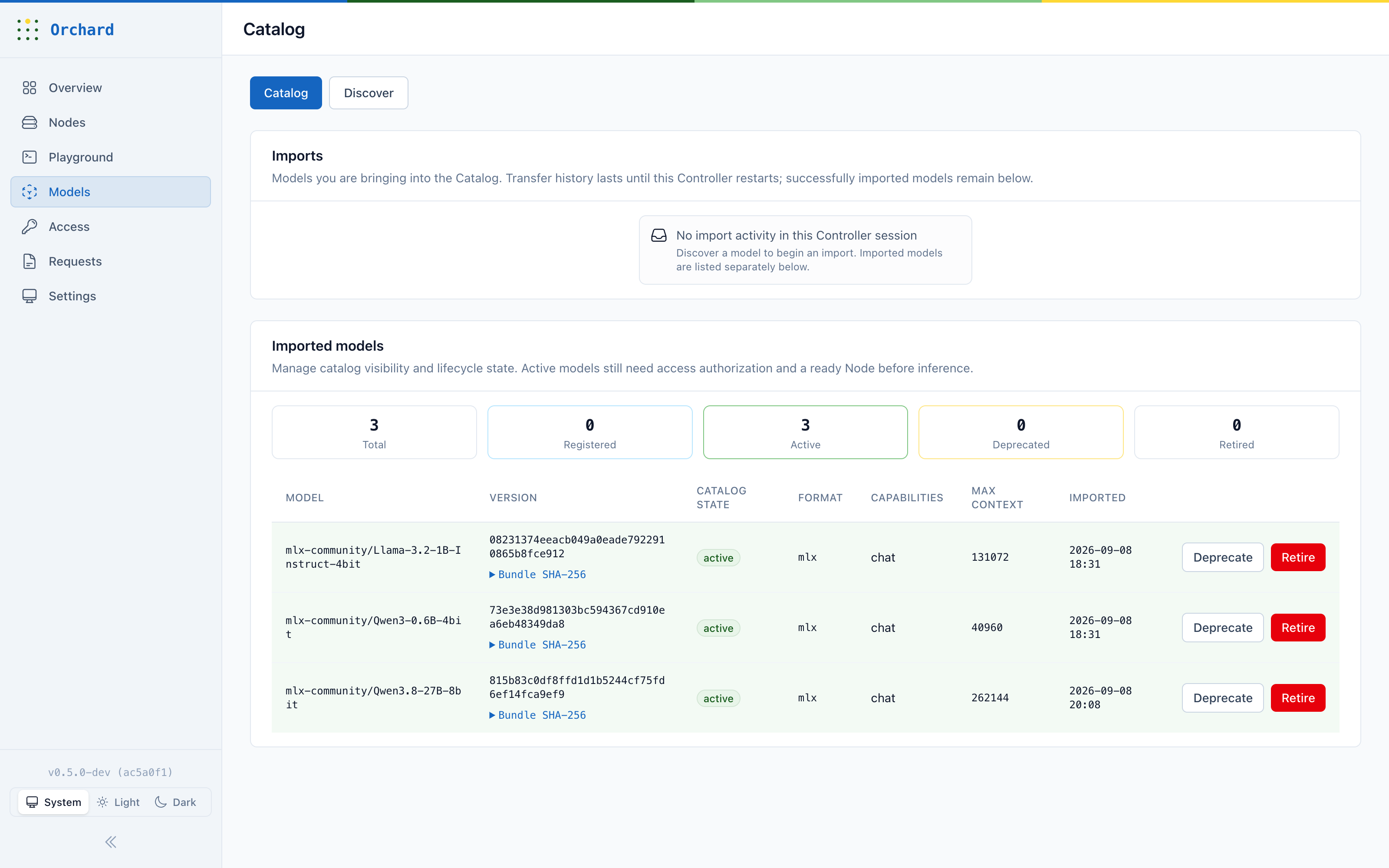
Find model artifacts, manage downloads, register them in the catalog, and activate them when they are ready.
See the Model CatalogOrchard provides OpenAI-compatible APIs, manages model workers on Apple Silicon, and records how each request was handled.
Orchard connects access checks, Node selection, model execution, and the final result in one request record.
Orchard authenticates the client, checks its model access, and records the request deadline before sending work to a model.
The selection uses model placement, Node health, available capacity, and the tenant’s routing policy.
The worker streams the result. Orchard handles text, tool calls, errors, cancellation, and the final request state.
Orchard records the request, its attempts, the selected Node, timing, and the outcome. It does not need to retain prompts or outputs for this view.
The Console gives operators one place to manage the service used by their team.
Find model artifacts, manage downloads, register them in the catalog, and activate them when they are ready.
See the Model CatalogEnroll a machine, admit it to the cluster, and check its current health and model-serving state.
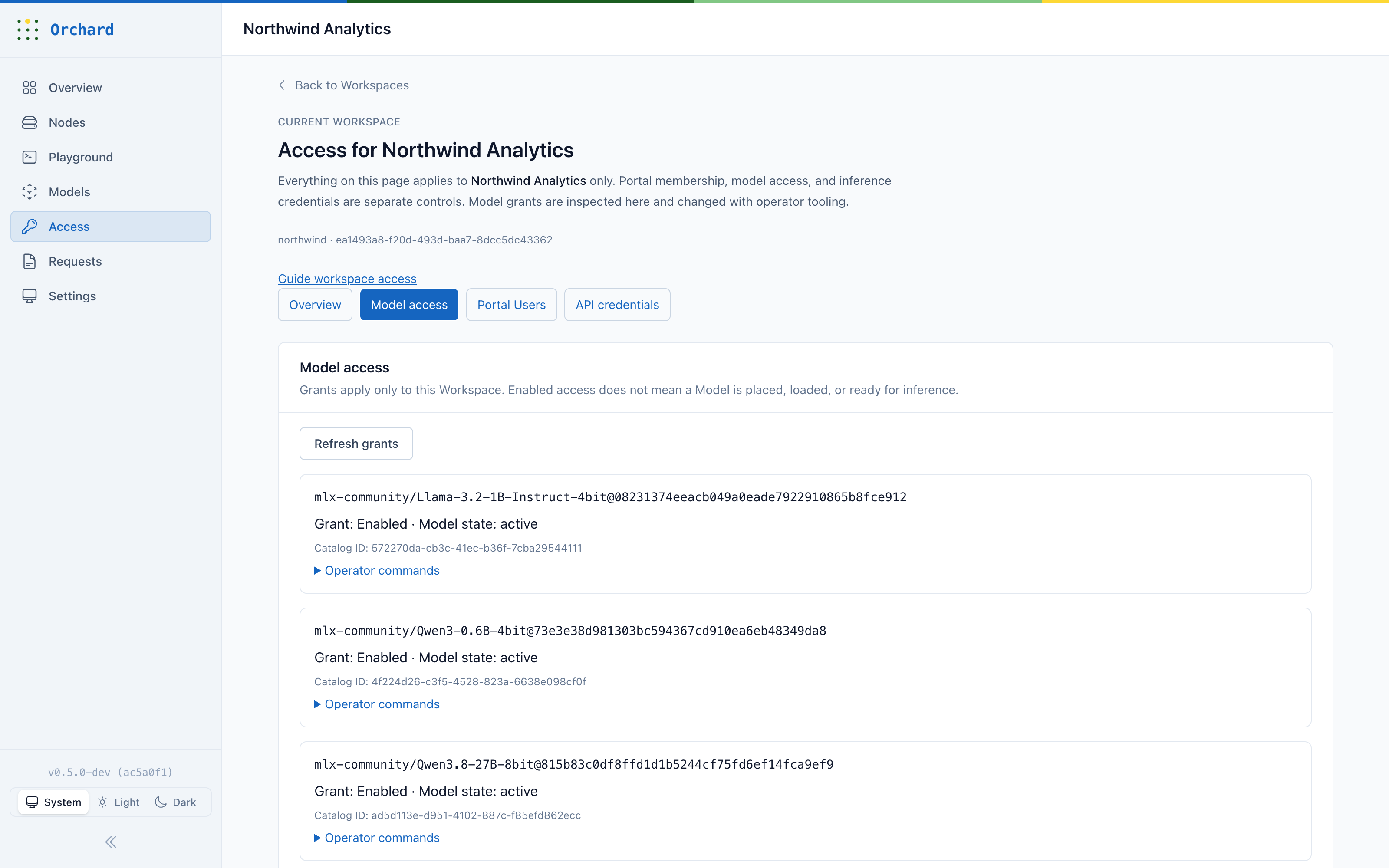
See the runtime pathGrant access to specific models, manage API credentials, and give developers a scoped way to use the service.
See Workspace accessInspect model readiness, test inference, and keep Workspace access explicit. These captures come from the official Orchard project documentation.
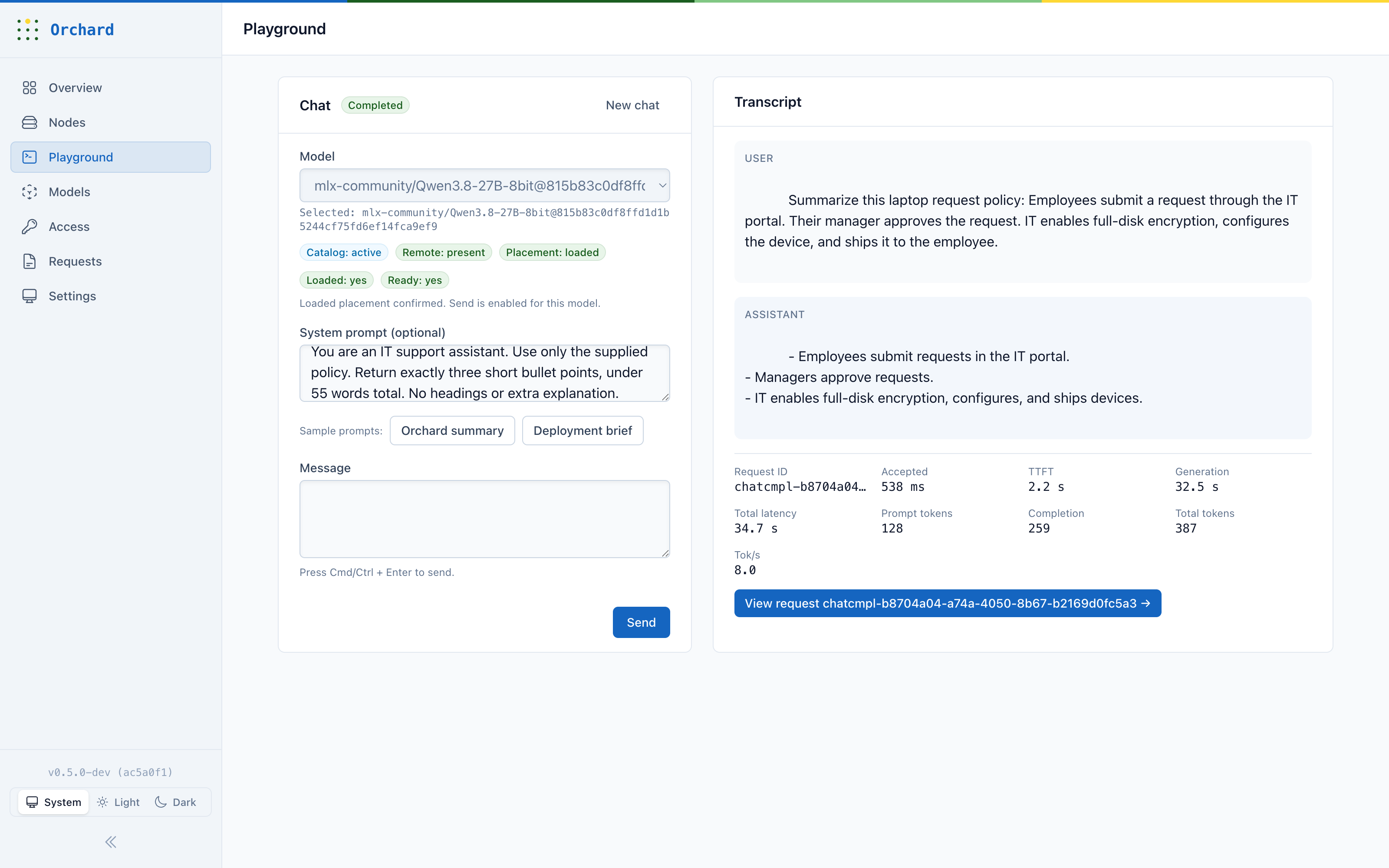
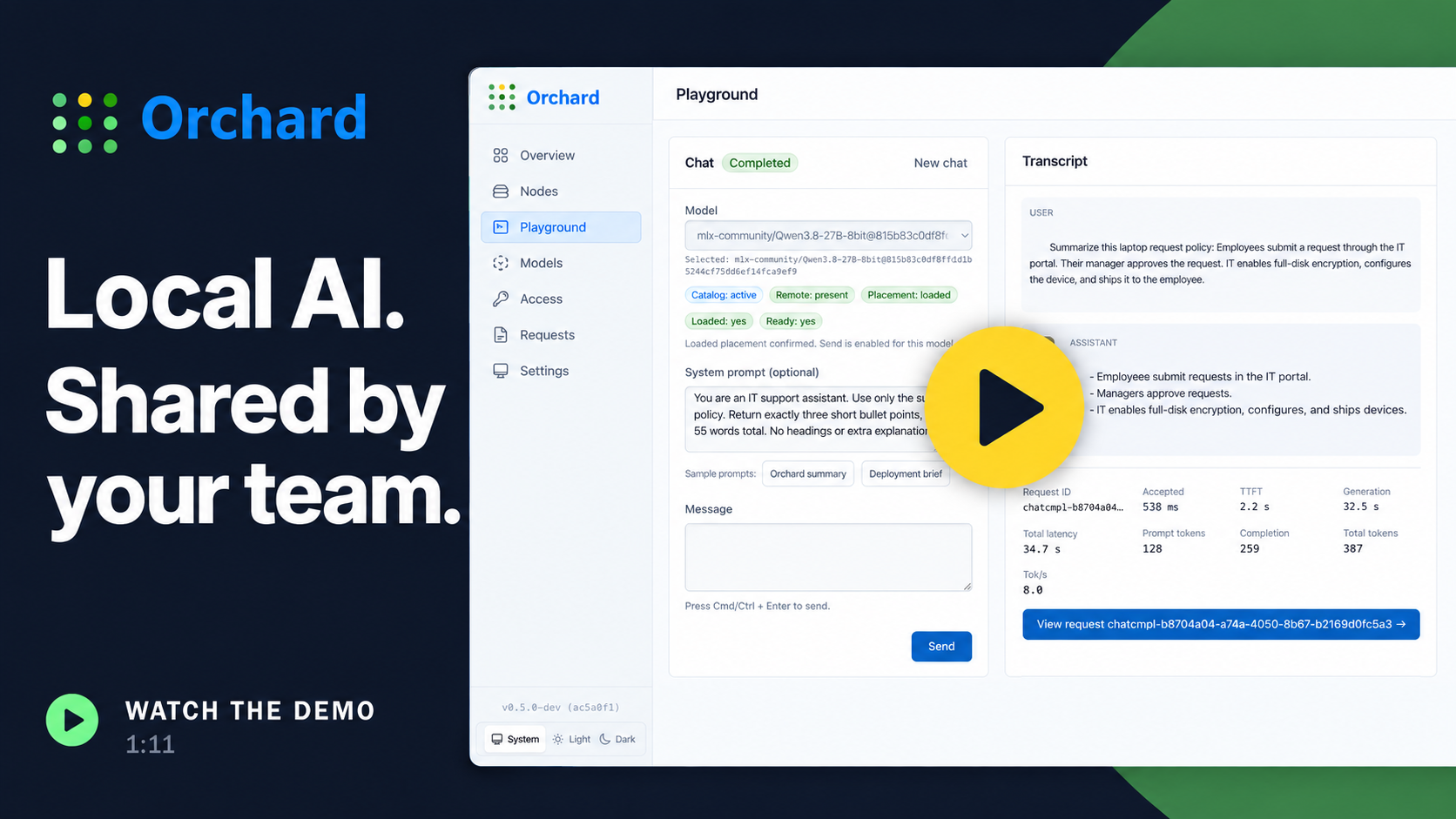
Choose a model, use the Playground, and follow a live Qwen3.8 request from generation through its execution details.
Watch on YouTubeYour application keeps control of its tools and data. Orchard manages the inference request and the model worker.
Sends a request. It keeps control of tools, permissions, and side effects.
Checks access, records the deadline, selects a Node, and tracks the outcome.
The Node Agent supervises model workers and reports current capacity.
This view separates the public API, the control plane, Node supervision, and model execution.
Choose a coding-agent setup or follow the manual path. Both use Orchard’s pinned toolchain and lead to the same source-development environment.
Orchard currently provides no official binary, supported release, SLA, or maintenance commitment. The public quickstart targets Apple Silicon macOS.
Give this prompt to a coding agent on the Mac that will run Orchard.
Set up https://github.com/kapitan-ai/orchard on this Mac.
Clone the repository if needed, read AGENTS.md, docs/tooling.md,
and docs/local-dev.md, and inspect the machine and any existing
Orchard installation. Install and configure prerequisites using
the pinned toolchain and repository setup, including optional MLX
dependencies. Start source development with the default single-node
runtime. Prepare a compatible model bundle, create a Workspace and
API token, grant explicit model access, and verify a real API response.
If testing the Playground, grant Playground access explicitly.
Keep credentials private, preserve existing data, and report the
Console URL plus the commands to stop and restart.First install mise and PostgreSQL 15+, then prepare a local Orchard Model Bundle.
git clone https://github.com/kapitan-ai/orchard.git
cd orchard
make setup
mise exec -- uv sync --locked \
  --directory native/orchard_worker_mlx --extra mlx
make devOrchardCLI.main(["models", "import", "/path/to/model-bundle", "--activate"])
OrchardCLI.main(["tenants", "create", "--slug", "dev", "--name", "Dev"])
OrchardCLI.main(["api-keys", "create", "--tenant-id", "<tenant-id>", "--name", "dev"])
OrchardCLI.main(["models", "access", "grant", "<model_id>@<version>", "--tenant", "dev"])Securely read the one-time token, then call /v1/chat/completions with the exact imported model ID and version.
printf 'Orchard API Token: ' >&2
read -r -s ORCHARD_API_KEY
export ORCHARD_API_KEY
printf '\n' >&2

curl -X POST http://localhost:4000/v1/chat/completions \
  -H 'Content-Type: application/json' \
  -H "Authorization: Bearer ${ORCHARD_API_KEY}" \
  -d '{
    "model": "<model_id>@<version>",
    "messages": [{"role": "user", "content": "Hello from Orchard"}]
}'http://localhost:4000Node Agent gRPC127.0.0.1:50071Starting the service alone is not inference-ready: import and activate a model, create a Workspace and API token, then grant explicit model access.
The source, specifications, design decisions, and validation results are public. We qualify support against specific models, runtime versions, hardware, and workloads.